Build your own AI Assistant
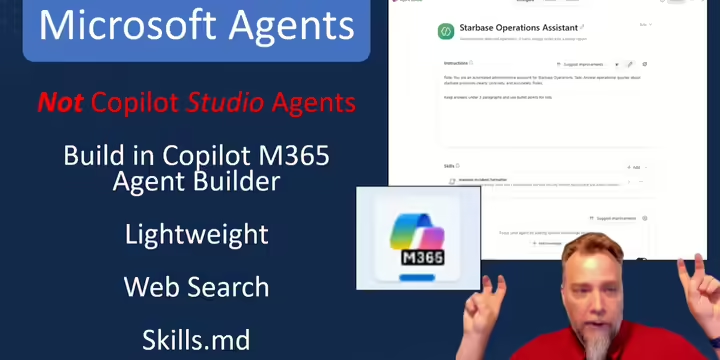
How to build it
Stop re-typing the same complex prompts every day. Join this hands-on lab to build custom, no-code AI micro-assistants using tools we all have—Copilot Agent Builder and Gemini Gems. Learn how to save your custom instructions, lock in specific brand tones, and attach reference documents so your personalized AI expert handles routine drafting, summarizing, and administrative tasks on demand.

Live IT Training with James Hamilton
November
Adobe InDesign can do what Publisher did and do it better! Unlock powerful features like Data Merge that will connect a spreadsheet to auto-generate hundreds of custom certificates, name badges, or personalized mailers in seconds. Parent Pages let you set up headers, logos, and page numbering. Paragraph & Character Styles will show you typography options you didn’t know existed. Place your images even when your artists are still working on them – it will update automatically. Create multi-column pages with column-spanning headlines effortlessly. Streamline your workflow and make creating flyers, newsletters, and reports faster and easier than ever. Register Now for InDesign
Adobe Premiere Pro for Extension – November 17
Seriously, it's not that hard! In an hour, I'll take you through my entire process, from import to export. See how I trim beginnings and endings, cut out pauses and bad takes, add titles and graphics (seriously it’s super-easy!), create smooth transitions, and make recordings easier for viewers to scan quickly to find just the part the want to see. This isn’t a cinematic masterpiece. It's a few simple techniques that can dramatically improve the quality of your videos without dramatically increasing the amount of work. Whether you're recording trainings, webinars, meetings, or presentations, you'll leave with a practical workflow you can start using immediately. Register Now for Premiere Pro
December
Microsoft Edge: The Browser You Didn't Know You Had – December 8
Most of us spend hours every day in our web browser, but few people use more than a fraction of its capabilities. Discover the hidden productivity features built into Microsoft Edge, including Tab Groups, Profiles, Collections, Workspaces, Read Aloud, Web Capture, and the Copilot sidebar. We'll also take a tour of a few carefully selected browser extensions and workflows, including saving articles to services like Instapaper for distraction-free reading on devices such as a Kobo eReader. You may never look at a browser tab the same way again. Register Now for Edge: The Browser
-------------------------------
Website Editor Training
Third Wednesdays - 3 pm to 5 pm
Short IT Training Videos
Excel Inventory that tells you to Re-order
8 minutes. How to create an Inventory for your materials that automatically tells you when it's time to reorder.
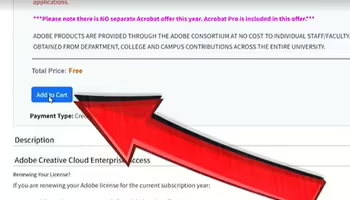
Renew your Adobe License
You have to do it every year
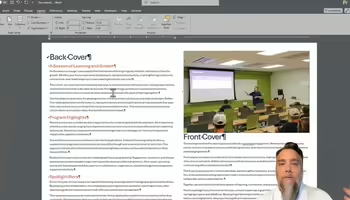
Make a Newsletter in 90 seconds
We don't need no Microsoft Publisher! Microsoft Word can do a simple newsletter.
Want more short videos?
Yes, show me more short IT Training videos!
*Don't forget to login to Mediaspace!
Most Recent IT Training
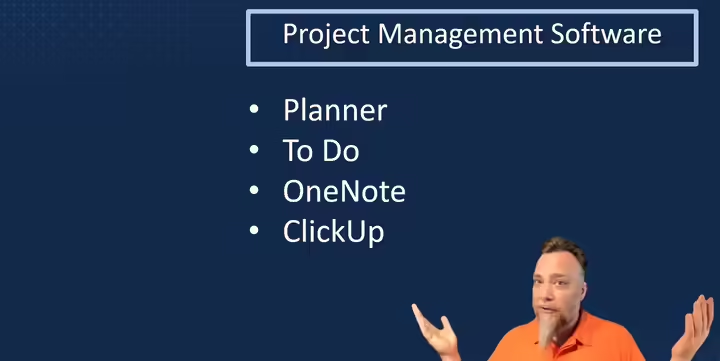
Personal Productivity Systems That Actually Work
What if your daily notes could become a conversation with an AI coach? Learn the simple system I use to track projects, tasks, decisions, and accomplishments in a single document. Then see how AI tools like Copilot, Gemini, and ChatGPT can transform that information into prioritized action items, project plans, accountability check-ins, and practical advice for staying on track when everything feels important.
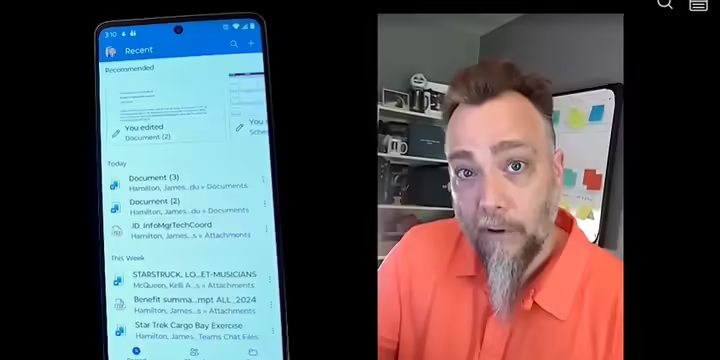
How it Works
Turn your Android phone or Apple iPad into a functional workstation. Join this tour of mobile power features across Word, Excel, Outlook, Teams, Zoom, Acrobat, and Box. You'll learn how to convert photos directly into Excel spreadsheets, sign PDFs with a stylus or finger, triage emails on the fly, and run remote meetings seamlessly.
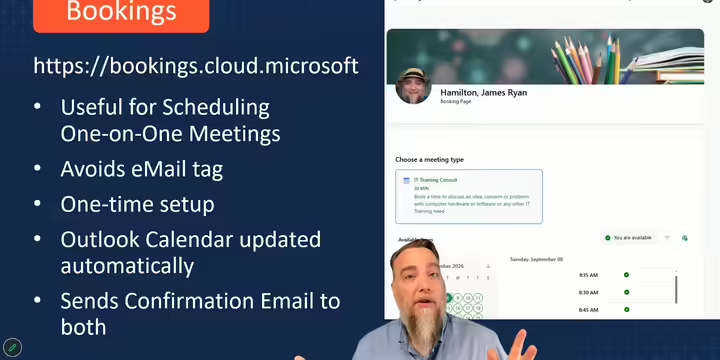
Hidden Gems in Microsoft 365
In this fast-paced session, you'll discover useful tools and features that you already have access to but didn't know you'd love. Bookings: Scheduling 1:1 meetings becomes one-click easy. Planner: Build a team project plan in minutes, assign tasks and due dates, and view progress as a Kanban board, spreadsheet, calendar, or dashboard. Forms: Collect information and automatically store it in a secure, shareable location. Loop: Create and collaborate with this new "franken-app" -- shared project plans, meeting notes, checklists, markdown, and collaborative workspaces that keep everyone on the same page.
More Recorded Trainings
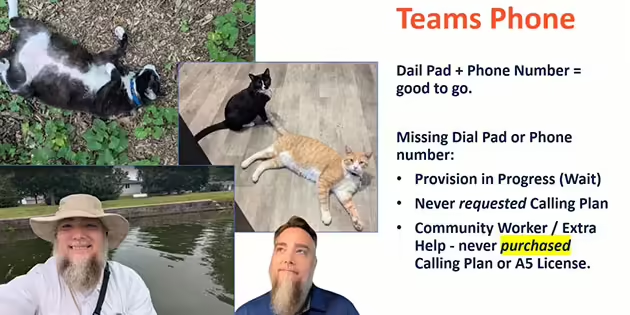
Teams Essentials
Demystify Microsoft Teams calling, chat and meetings. Learn who needs a calling plan, who doesn’t, and how to get one. Manage your teams, channels and chats, join and host meetings, configure voicemail. Troubleshoot the most common issues so you can resolve it yourself immediately and get back to your mission. Whether you're new to Teams or want to use it more effectively, this session is for you.
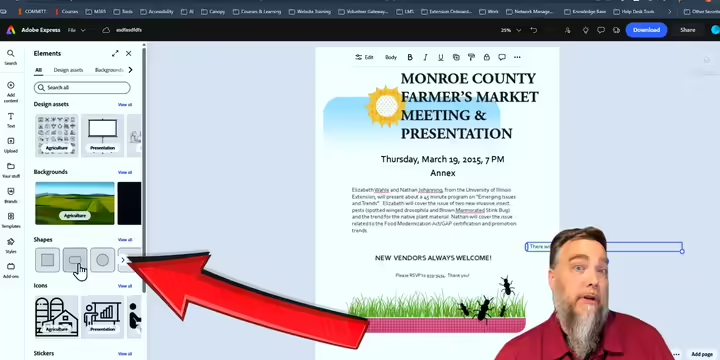
Migrate from Microsoft Publisher
Microsoft Publisher is officially retired! Don't let your legacy templates sink with it! Join this session to discover smooth migration paths for converting your legacy .pub files into modern formats. Through live, practical demonstrations, you'll learn how to rebuild, convert, and reimagine your materials using Adobe Express, InDesign, and AI design tools. Consider this your layout migration lifeboat!
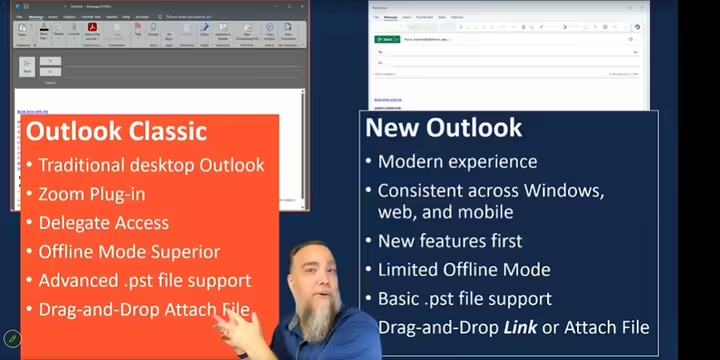
Outlook Essentials
Take control of your inbox and calendar with Outlook. This workshop covers email organization, shared mailboxes, calendar management, and the differences between New Outlook and Outlook Classic. Plus, a hands-on look tour of the mobile app. Learn practical tips to improve productivity and avoid common Outlook frustrations.
Even more Recorded Trainings!
View All IT Trainings with James Hamilton
*Don't forget to login to Mediaspace!